The Refusal Test: How Free Adult Preview Hubs Behave When You Block the Noise in 2026

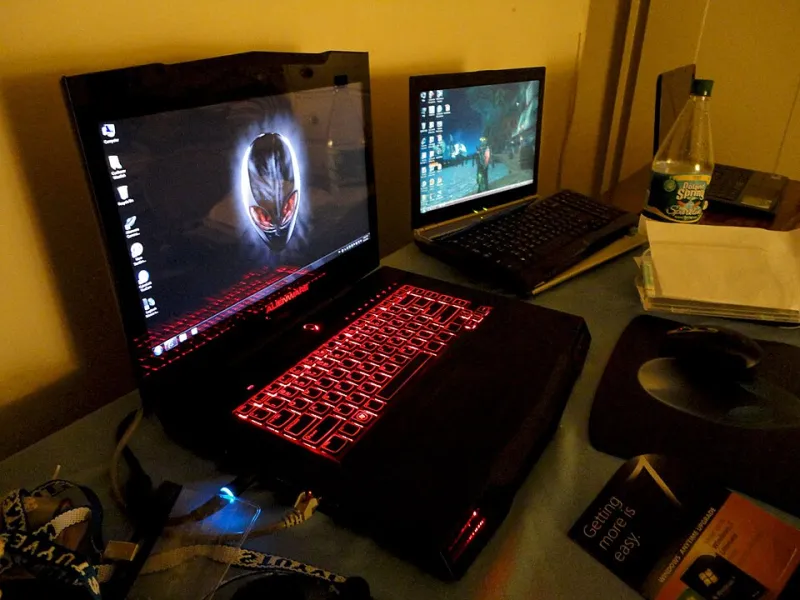
Photo: DERDAKI ILIAS, CC BY-SA 4.0, via Wikimedia Commons
Ad blockers used to be a niche habit. In 2026 they are the default posture for anyone who has spent five minutes on the free web, and that includes people hunting for adult previews. So it is fair to ask a simple question: if I walk into a free adult preview hub with my blocker on, does the site still act like a host, or does it act like a bouncer who just found a fake ID?
That question matters more than any single clip. A free preview is supposed to be a low-stakes look at the goods. If the site only works when every tracker, pop-under, and redirect script loads, then the preview was never really free. It was a trade you didn't agree to.
The setup: three browser profiles, one late-night test
I ran this audit the way most US viewers actually browse: on a laptop, late, with a timer and a short fuse. Three profiles, same machine, same Wi-Fi.
- Locked down: uBlock Origin with default lists, pop-ups blocked, third-party cookies blocked.
- Half-configured: scripts allowed, pop-ups blocked, trackers partially blocked. This is the messy middle where most people live.
- Bare: blocker off, for comparison only.
Each session got 20 minutes. The rule was simple: no disabling anything just to make a preview play. I counted tabs, noted redirects, and paid attention to how hard it was to leave. This wasn't about naming and shaming individual hubs. It was about spotting the pattern.
What a blocker-friendly hub actually looks like
A good adult preview hub treats an ad blocker as normal weather. The thumbnail grid loads. The preview player works. There might be one polite notice asking you to consider supporting the site, and then it gets out of the way. The exit is where you left it. The URL bar stays put.
That is the baseline. It is not fancy. It is the digital equivalent of a store that lets you walk in, look around, and leave without a salesperson following you to the parking lot.
The hostage screen problem
The most common failure isn't a crash. It's a blank player with a message floating over it: turn off your blocker to continue. Sometimes the message is polite. Sometimes there's a countdown. Either way, the site has decided that your security settings are a negotiation, and it is holding the preview hostage.
A blocked-player notice is a choice, not a glitch. Plenty of hubs can detect a blocker and still serve a lower-bandwidth preview or a static sample. The ones that slam the door are telling you their business model depends on loading things you didn't ask for. That is useful information.
Pop-under escalation and the redirect chain
With the blocker off, the difference is immediate. One click on a thumbnail can spawn two or three tabs. The back button becomes a roulette wheel. Close one tab and another one is already loading behind it.
With the half-configured profile, some of that leaks through. You get a redirect chain that bounces from a preview page to an ad network to a mirror domain before landing on a player that may or may not be the one you clicked. The tell is the URL bar. If it changes three times before the first frame, the site is renting your attention to someone else.
A hub that respects boundaries keeps navigation in the same tab, uses a clear close button, and doesn't punish you for blocking the noise. A hub that doesn't respect boundaries treats every click as a chance to open a side door.
Half-configured is the real-world test
Most viewers don't run a perfect blocker setup. They run something half-configured: scripts on, pop-ups blocked, maybe a privacy extension they forgot they installed. That messy middle is where a site's true manners show up.
A good hub still plays the preview. It might show one notice. It might degrade to a lower resolution. But it doesn't silently redirect you, and it doesn't pretend the player is broken when it isn't. A bad hub treats partial blocking as a personal insult. The thumbnail grid looks fine until every click opens a new tab, or the player sits on a loading spinner that never resolves.
This is the difference between graceful degradation and passive aggression. One says, we can work with this. The other says, disable your defenses or get nothing.
A five-minute trust scorecard
You don't need a lab coat to run this test. Pick a hub, open a private window, and check five things:
- Does the preview play with the blocker on? If not, note whether the site explains itself or just goes blank.
- Can you close the tab without a fight? One close should mean one close. No second tab, no confirm loop, no surprise download.
- Does the URL stay put? A clean preview lives on one domain. A redirect chain is a red flag.
- Does the site remember a no? If you decline a notification or a pop-up, it should stay declined for that session.
- Does it degrade gracefully when scripts are partially blocked? A lower-quality preview is fine. A hostage screen is not.
Five minutes is enough to separate a hub that wants viewers from a hub that wants captives.
What a failing hub is telling you
A single pop-under can be a bad ad network. A pattern of hostage screens, redirect chains, and blank players is a business decision. The site has weighed your experience against its monetization and picked a side.
That doesn't mean you need to lecture anyone or file a report. It means you close the tab and move on. Don't disable your blocker to reward hostility. Don't sit through a redirect chain hoping the next page is better. The next page is usually the same page with more tabs.
At Free-XTV, the standard is simple: a preview should be free to watch and free to leave. In 2026, the best free adult hubs are the ones that don't need you defenseless. If a site only works when your browser is naked, it isn't a preview hub. It's a trap with a thumbnail grid.